


Make Windows XP applications run on Windows 7
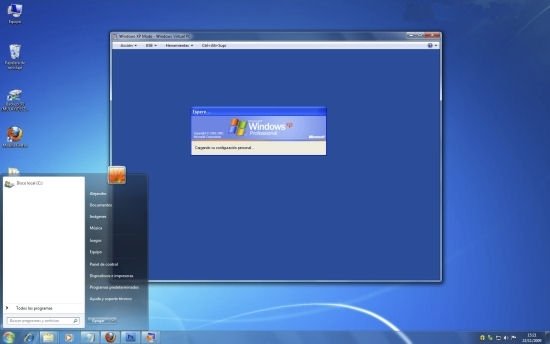
Windows XP has been one of the operating systems by Microsoft that has been used the most, but with the launching of new versions you have the risk that your software is no longer compatible. If you don't want to waive using the same applications that you used on Windows XP on Windows 7 it's time to download Windows XP Mode.
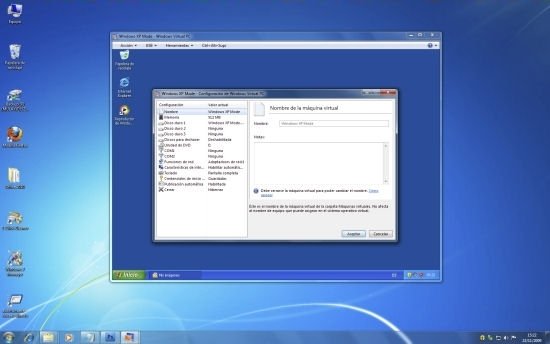
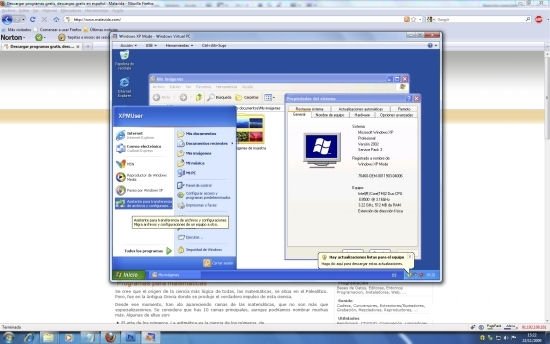
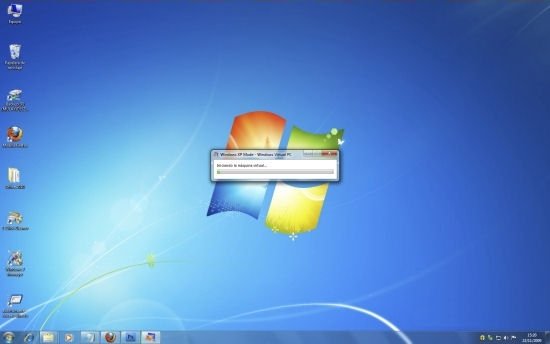
Windows XP Mode is a new mode for Windows that takes advantage of the possibilities of a virtual machine to launch Windows XP applications on Windows 7. Thanks to this you will avoid incompatibilities and you will be able to keep on using your usual software.
Features of Windows XP Mode
- Launch Windows XP applications on Windows 7.
- Avoid incompatibilities and continue to work with your usual software.
- Available for a large amount of versions of Windows 7.
Requirements
To make Windows XP Mode work properly it is necessary to check that the BIOS virtualization technology is active from the 'System Configuration'. You will be able to check if your system is compatible with Windows XP Mode by using third party software like SecurAble.
The same happens with your PC's processor. Not all of them are compatible with the application, that is why you will have to use Intel Processor Identification Utility (the checking tool by Intel) or AMD-V Technology and Microsoft Hyper-V Compatibility Check (for AMD processors) to tell you if you meet all the requirements.
Requirements and additional information:
- The compatible operating systems are: Windows 7 Professional, Windows 7 Ultimate and Windows 7 Enterprise.
- Furthermore, it requires a CPU with Intel Virtualization Technology (VT) or an AMD-V or VIA VT that is activated on the BIOS.
- Also requires Virtual PC to be installed.
 Antony Peel
A Telecommunications Engineer, chance led me to the translation industry, where after a few years, I discovered another side of the world of technology while translating what others were writing about mobile applications and software. That...